New Features#
AI Matter Chatbot#
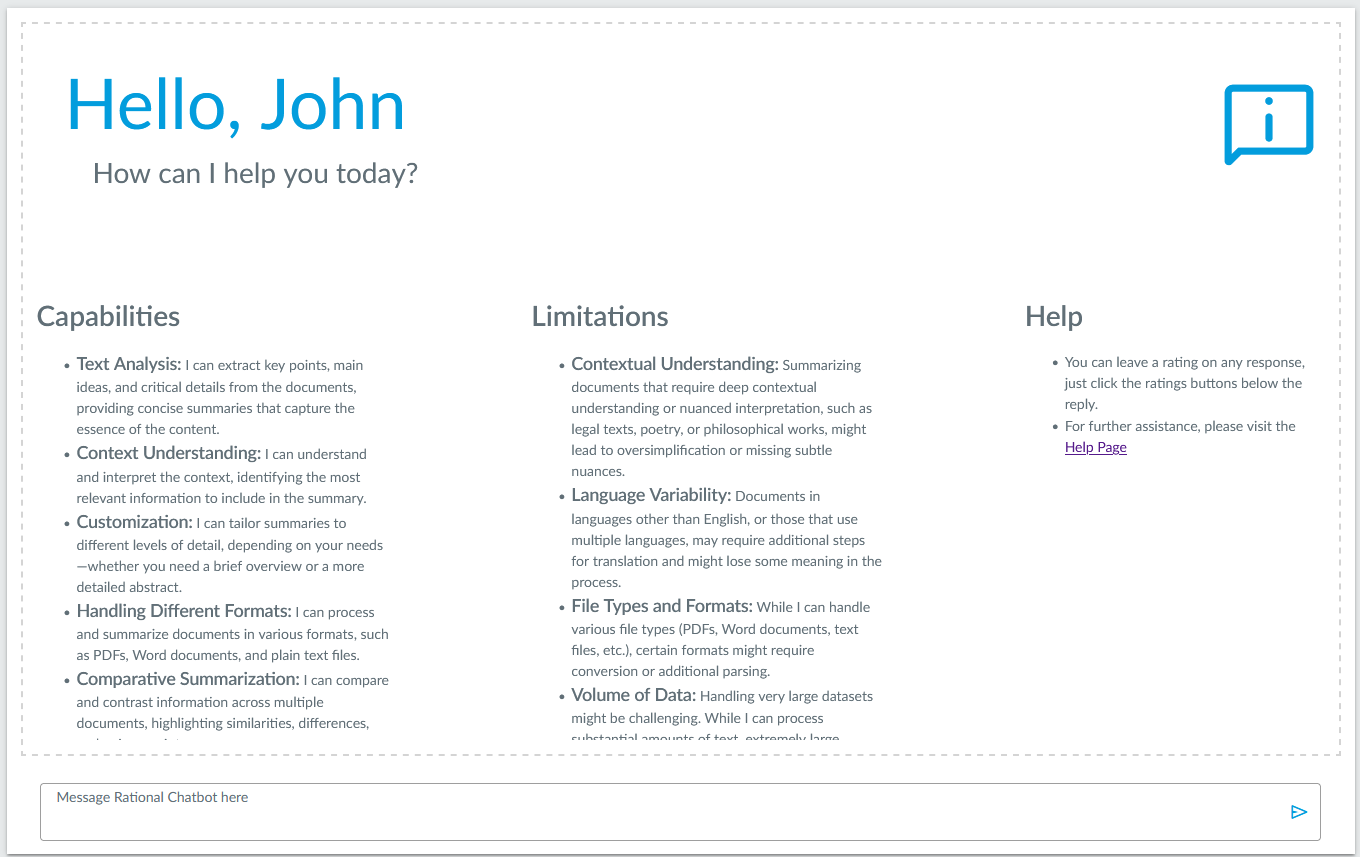
AI Matter Chatbot allows users to ask questions about the documents in a matter, just like how you would interact with AI tools like ChatGPT.
A chat history is maintained so users can look back and see what conversations they’ve had.
AI Document List Chatbot#
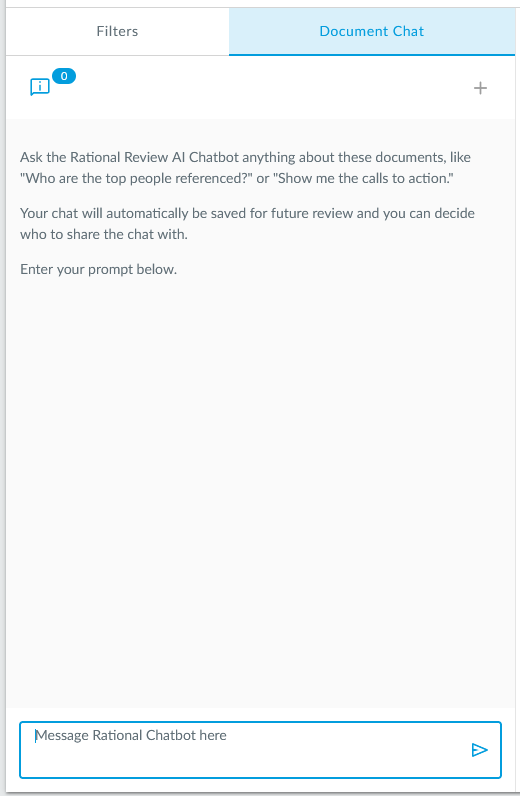
The AI Document List Chatbot is a new tab next to filters on the document list which allows users to ask questions about the documents that are in the document list results.
QR Code Embedding#
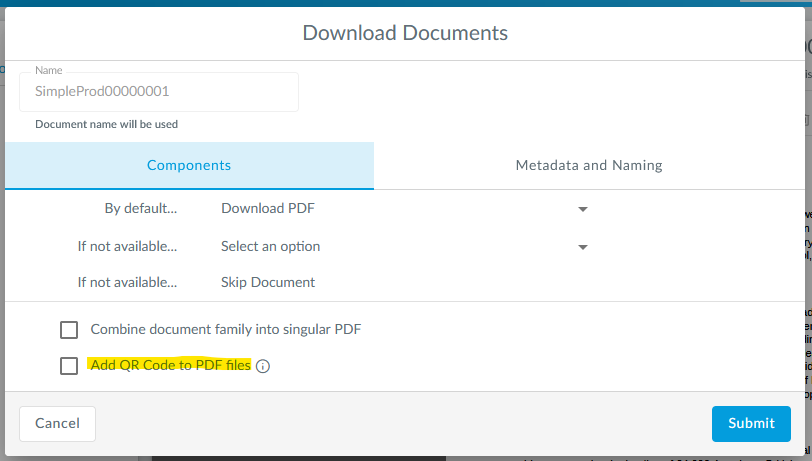
PDF views for documents can now be downloaded with a QR code appended to the bottom from the advanced download dialog, allowing users to scan the QR code, login, and view the document on their phones.
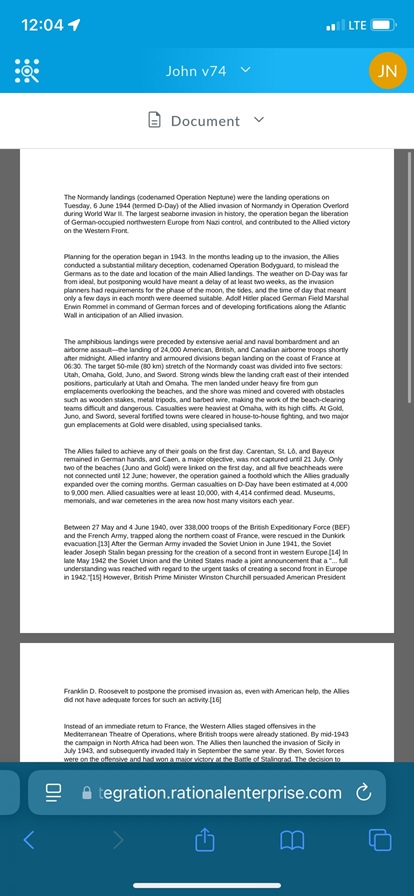
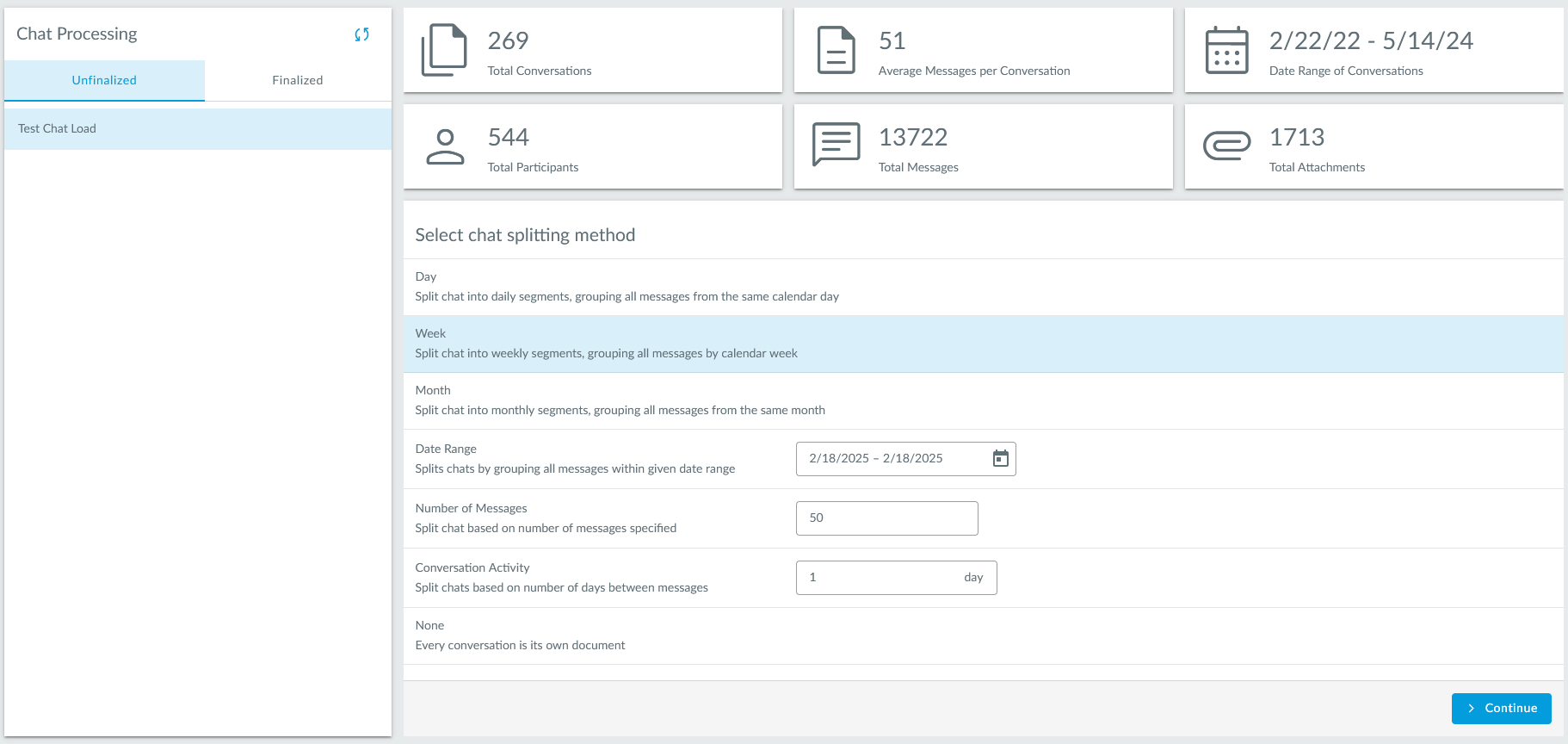
Chat Load Processing#
The new chat load processing page lets users finalize their chat loads (SMS, WhatsApp, etc.) and specify the splitting method for the documents.
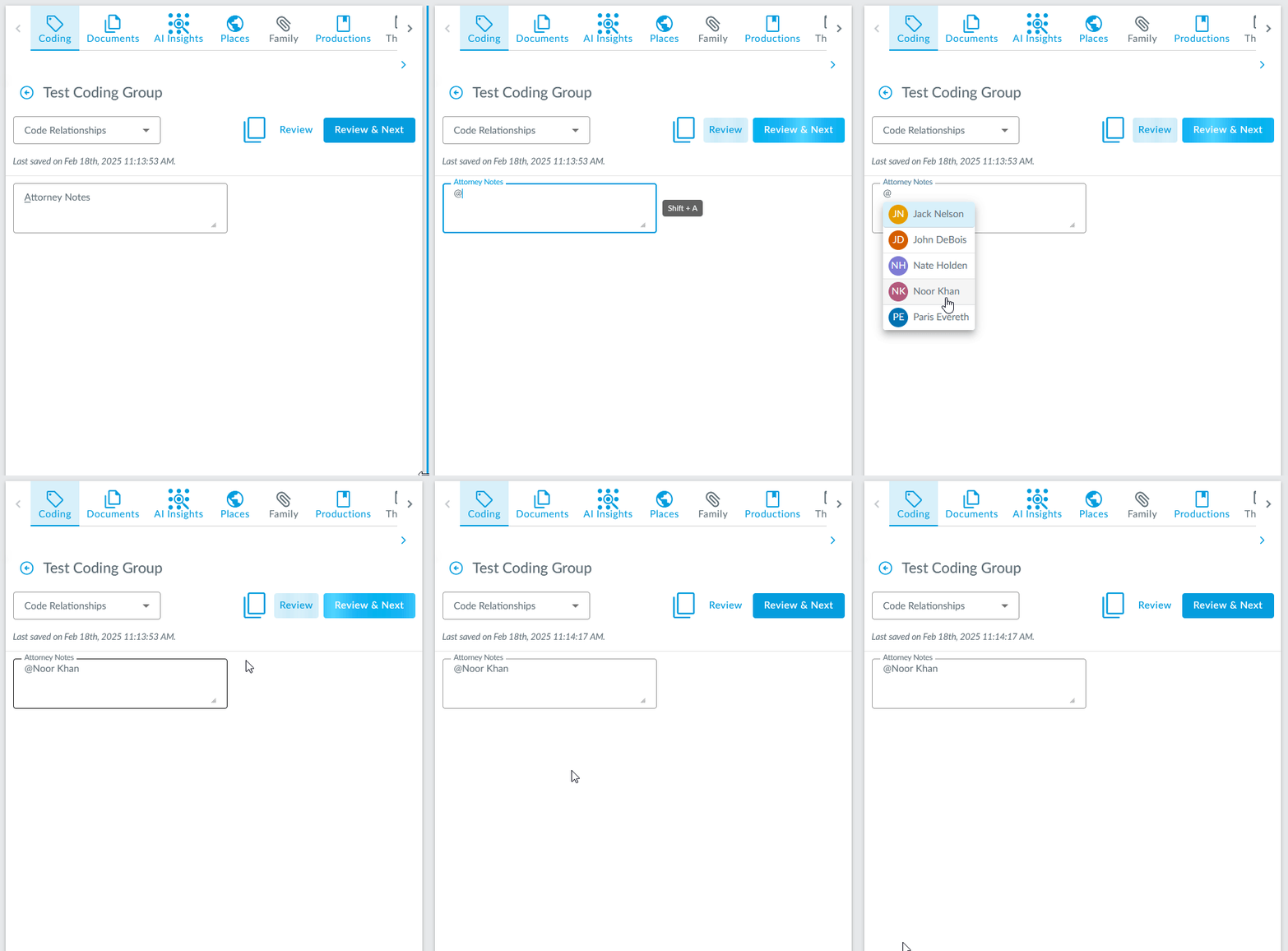
User Mentions#
Users can now use the @ character to mention a user in folder descriptions, document notes, and text coding fields.
Mentioned users will get an email and a notification in the notification center in RRC.
Password Administration Page#
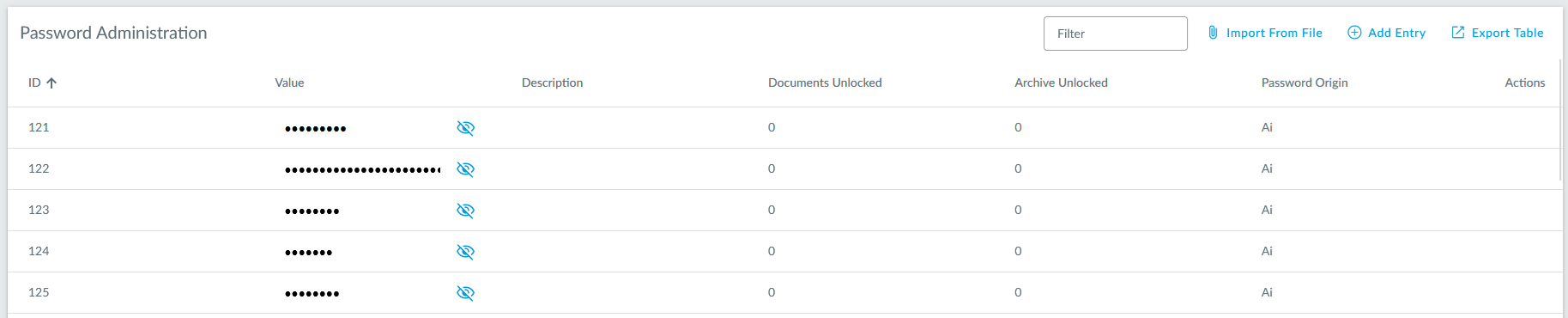
The new password administration page allows users to see which passwords used to unlock password protected documents have been identified by the system. Here, new passwords can be added or existing ones can be edited.
Password Detection#
The document loading process will now automatically detect passwords found in documents and then use the passwords found to try to unlock password protected documents which do not have a password specified.
Repeated Content Detection#
The Text Exclusions page will now suggest automated detected repeated content and allow the user to specify the results as text exclusions or edit them as needed.
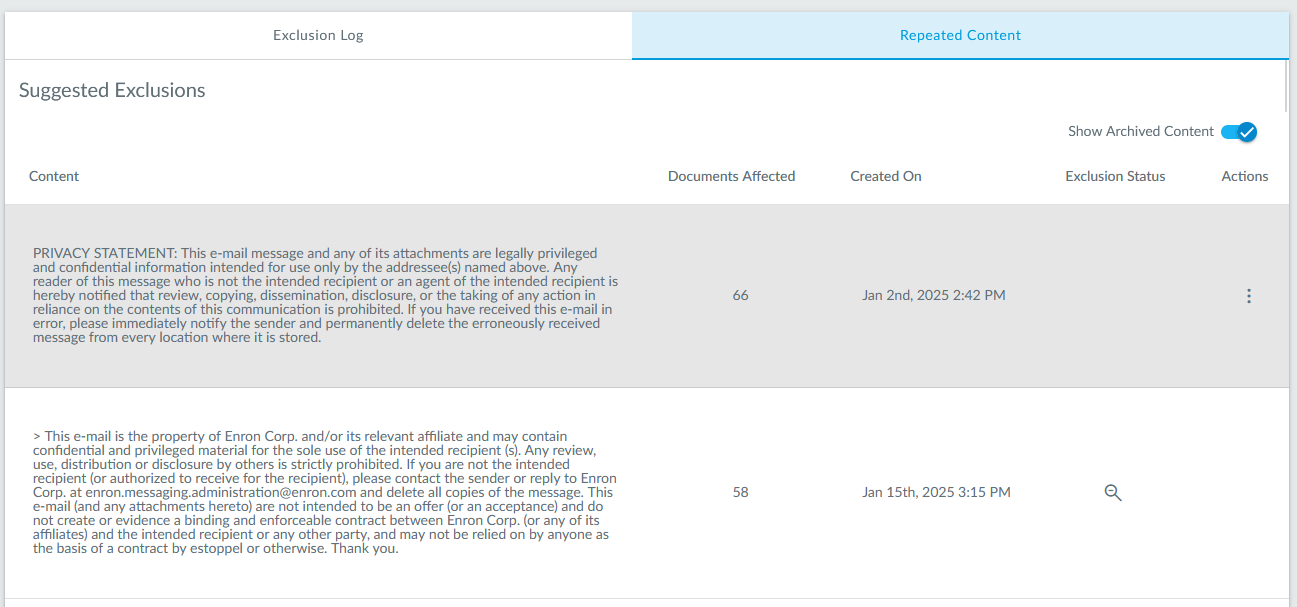
Table Exporter#
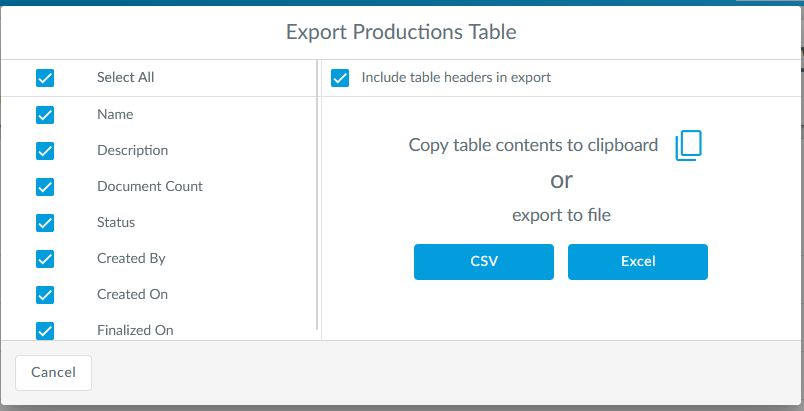
Many tables in RRC can now be exported as a CSV or Excel file by clicking the “Export Table” button above the tables.
All Documents Search#

The left nav bar now has a link to see all documents in a matter, respecting matter security, for users that have the matching search permission.
Viewer Positioning#
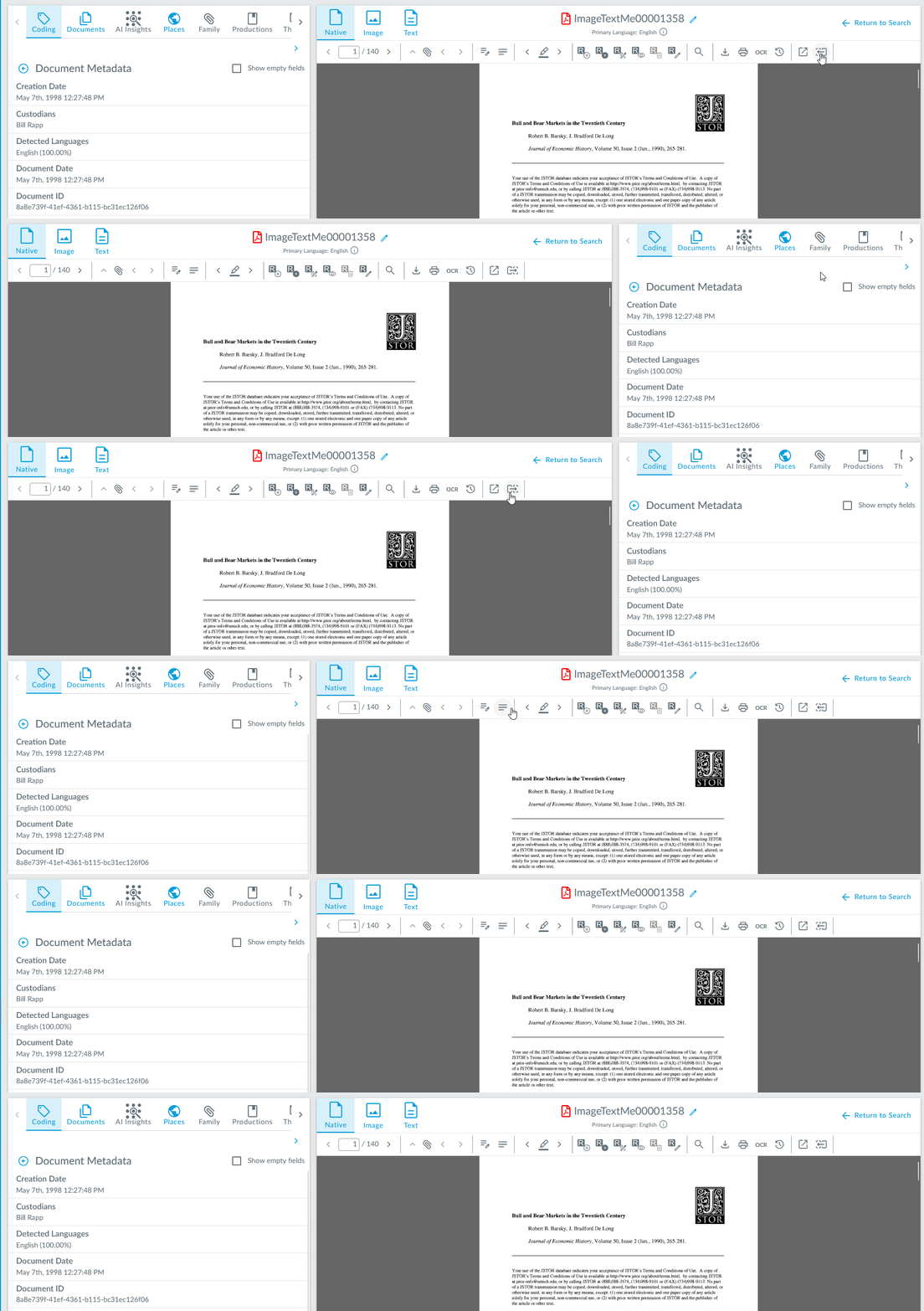
The viewer can now be positioned on the left by a click of a button in the viewer toolbar.
File Path Folders#
Users can now create folders based on document file path metadata in the document list by designating a root folder.

Review Queue Report#
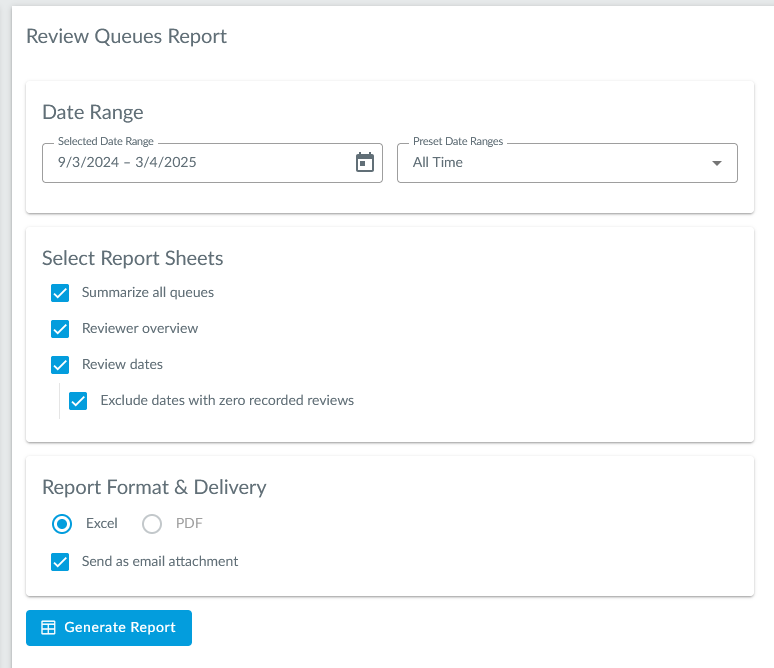
The new review queue report will show review information for all review queues in a matter during a selected time frame.
Improvements#
AI Insights#
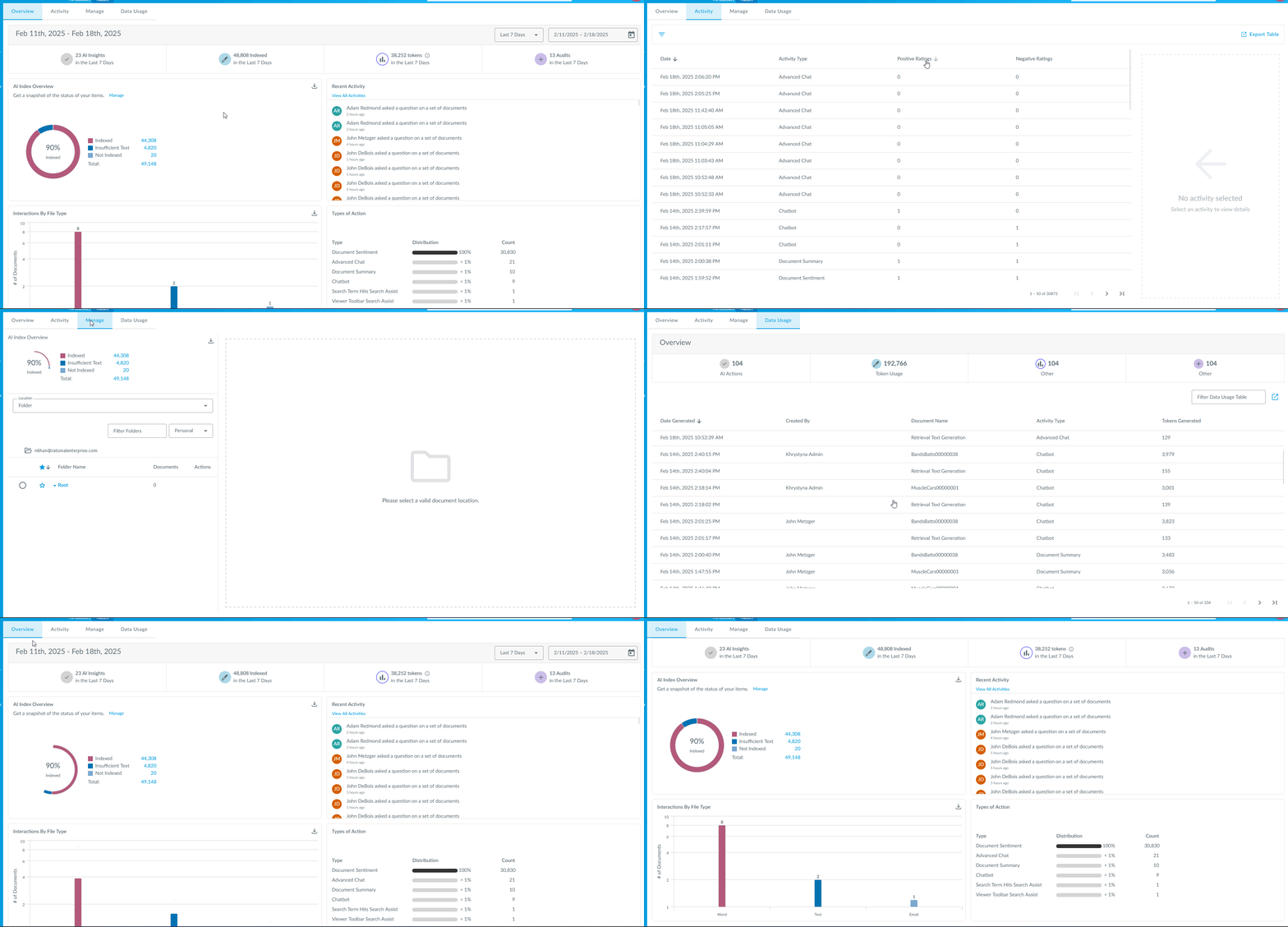
There have been many improvements to the AI Insights page so users can better track and manage AI feature usage.
User Settings Password and Authentication Section#
There is a new section on the User Settings page which allows users to update their password as well as opt-in to two factor authentication.
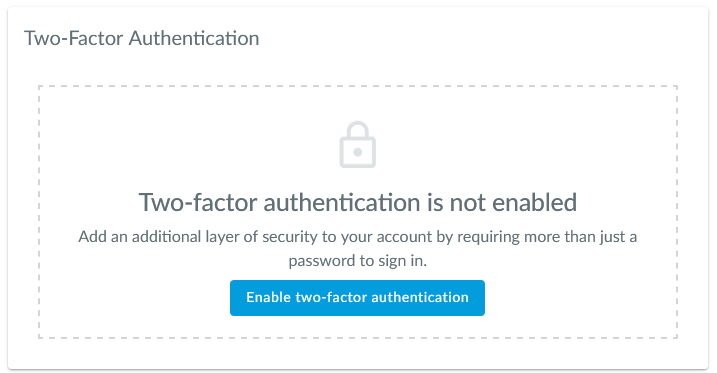
More information about two factor authentication can be found here.
New Native View Redaction Types#
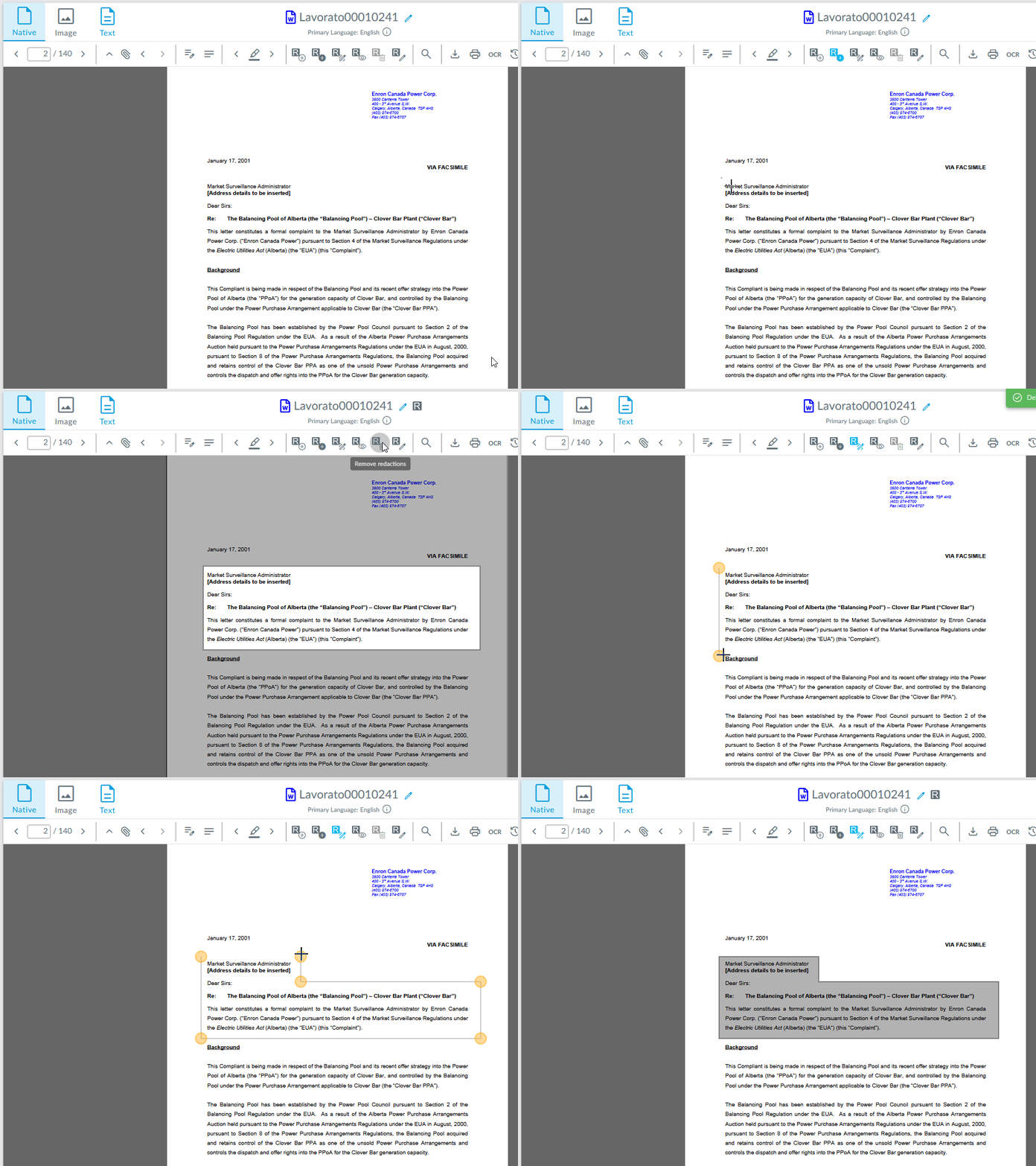
Like for image components, inverse and free-form redactions can now be added in the native view.
Search Term Hits Terms#
Users can now export search term hits terms as a text file from the action’s dropdown of a search term hits report.
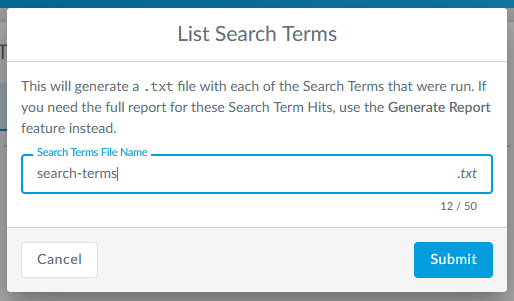
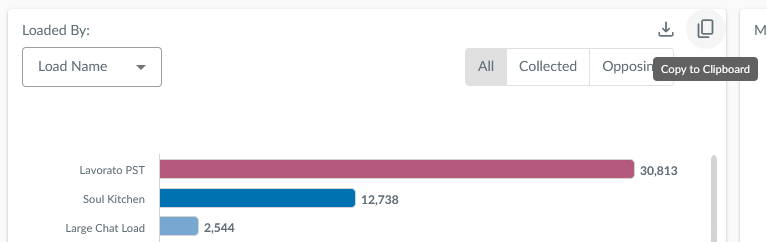
Chart Configurations#
Configurations on charts on the Admin Dashboard like data type, view type, filters, etc., can now be saved across settings on the dashboard.
Middle Clicking#
Users can now middle click the document navigation buttons, like next and previous document, in the document viewer toolbar to open the documents in a new tab.
Pre-Release#
Sitewide Search#
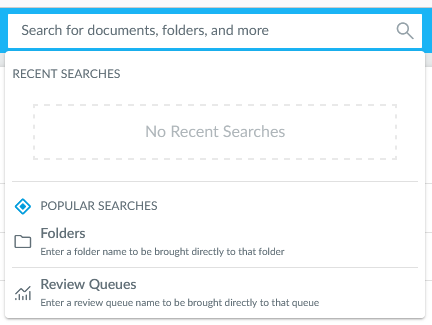
The new sitewide search bar allows users to search for documents, folders, and review queues all in the same place.
Pre-Discovery Improvements#
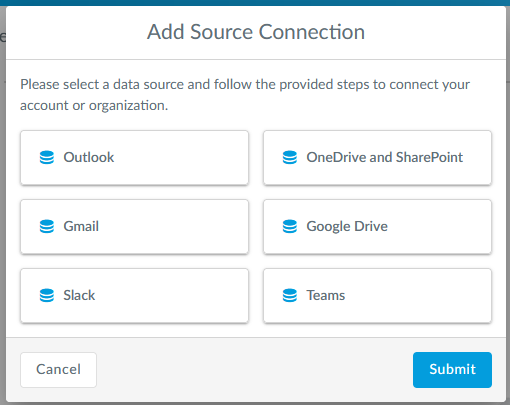
Pre-Discovery now supports collecting from Slack and Teams!